Photo books that are fun again.
Pick your favourite photos and a whole book appears in seconds. Then make it yours, with your fingers on the iPad or calmly on the Mac. Print it wherever you like.


- No ads
- No subscription
- No account
- Your photos stay yours
Why I built CozyPages (1:51)
Photos belong in an album.
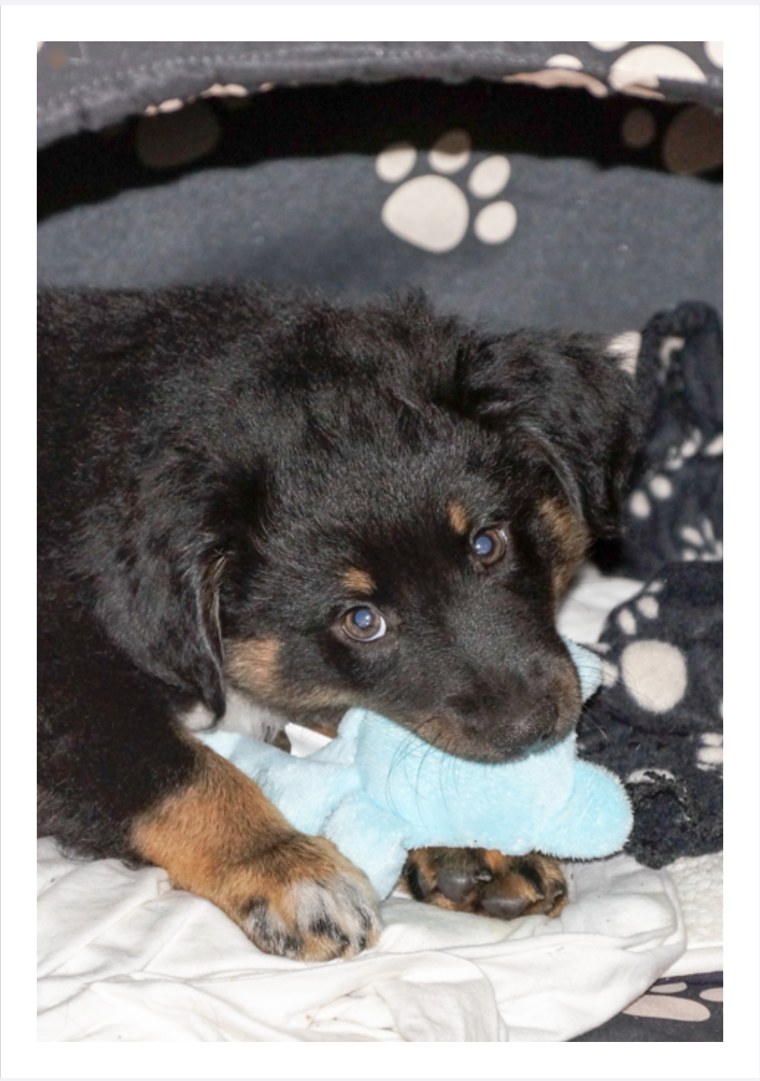
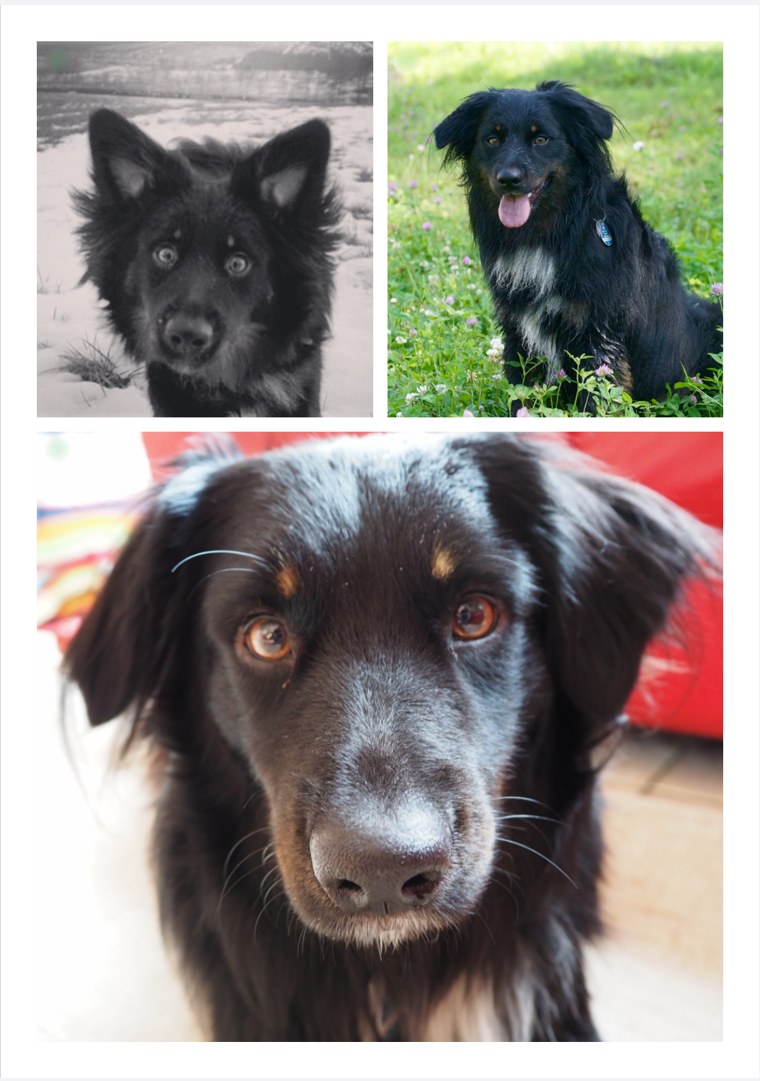
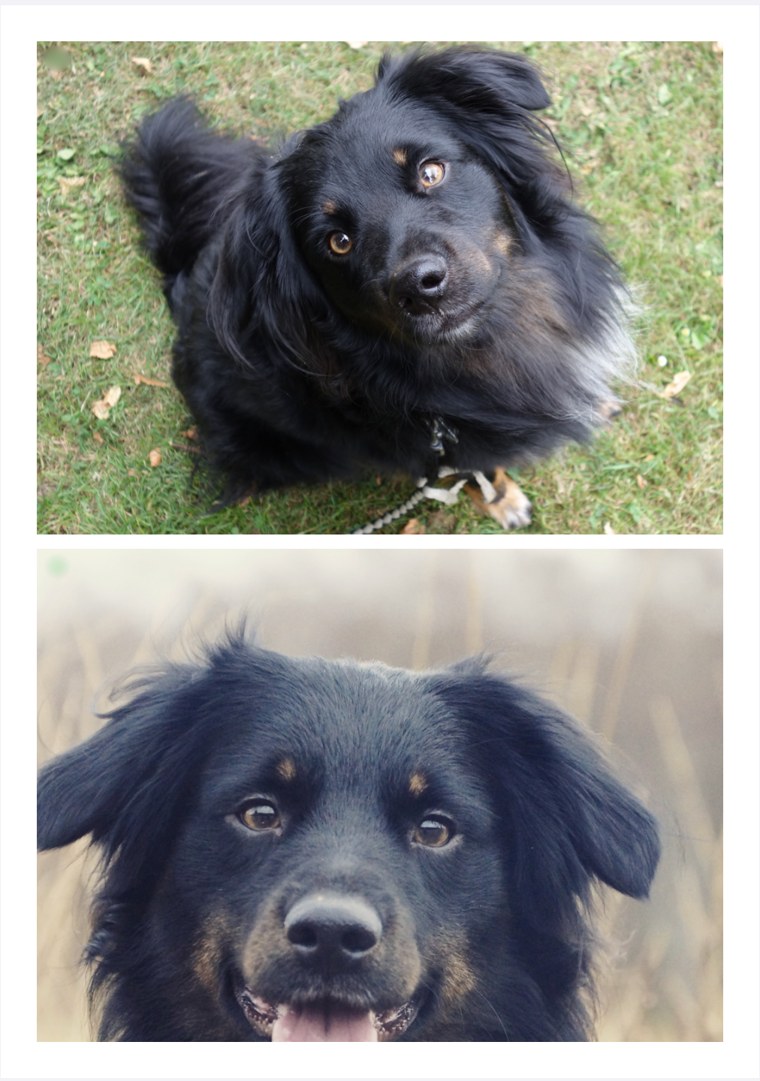
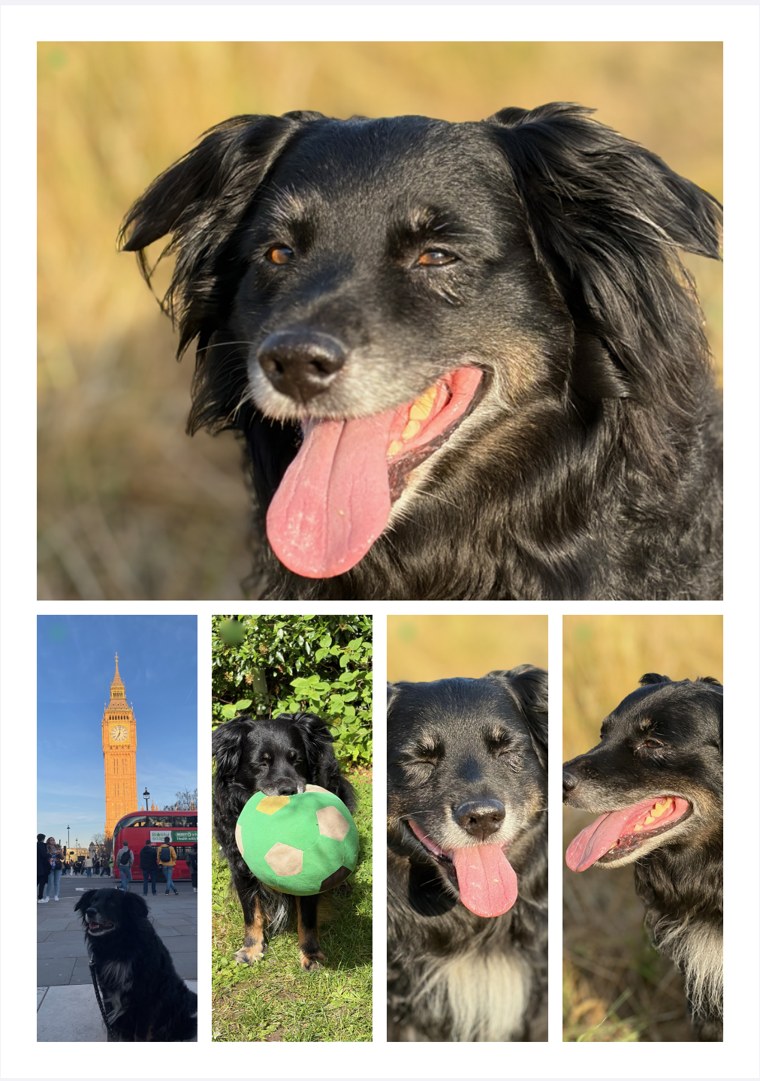
Not just on a screen. CozyPages turns a thousand phone photos into a book you hold, leaf through and pass on. This is Timmy's book, designed entirely in CozyPages.
 TimmySince 2014




 CozyPages
Click a page or swipe to turn it
From photo chaos to a book in four steps.
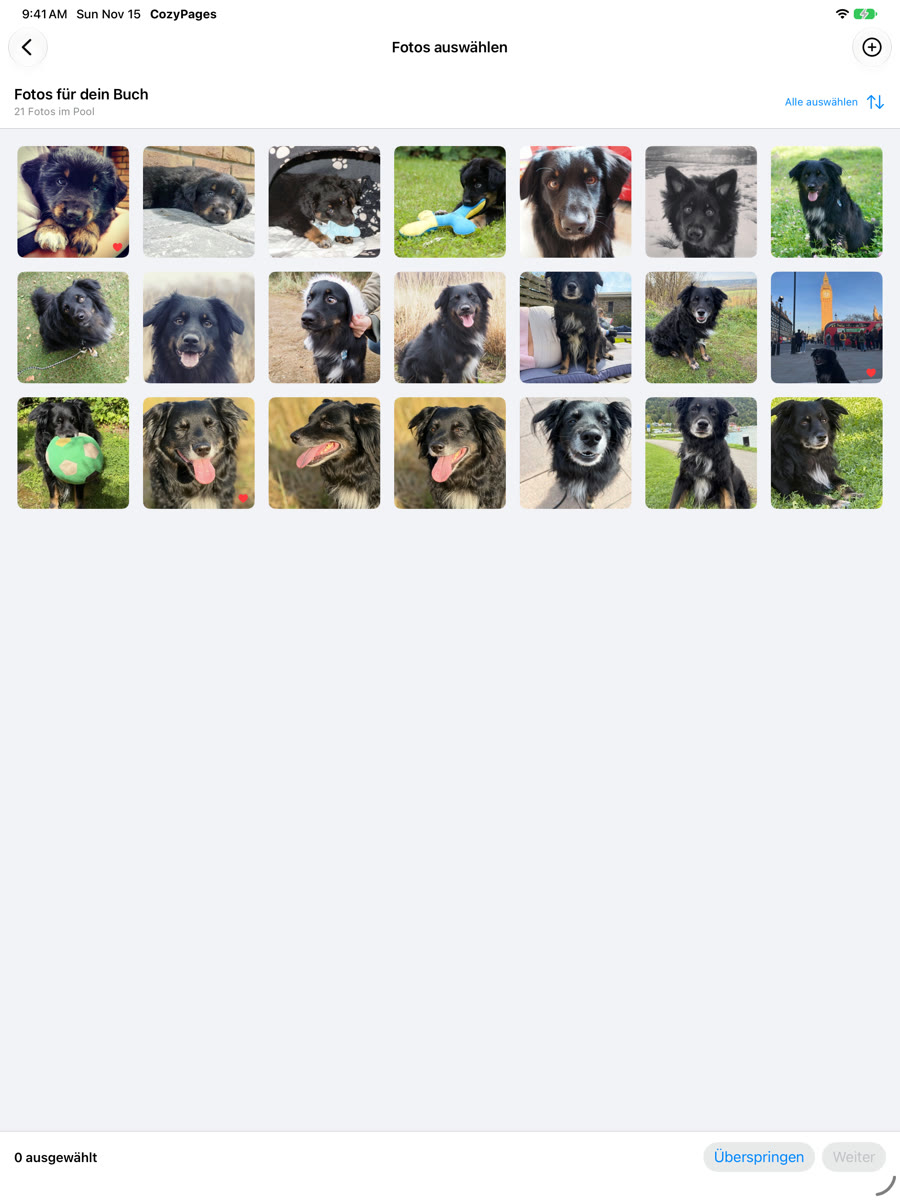
Pick your photos
From Apple Photos or Finder. Star your favourites and they get more space.
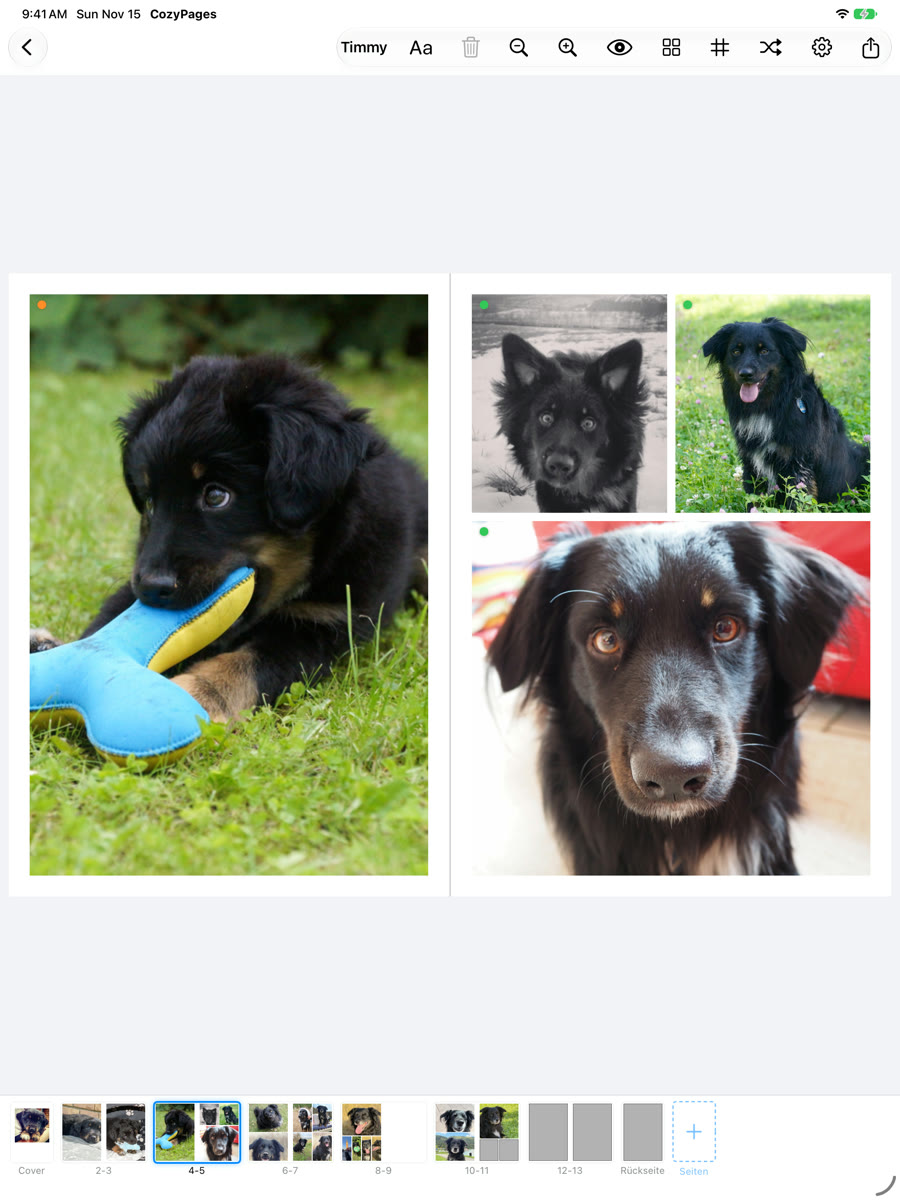
Let the book appear
Choose the number of pages, done. CozyPages lays the photos out on matching templates.
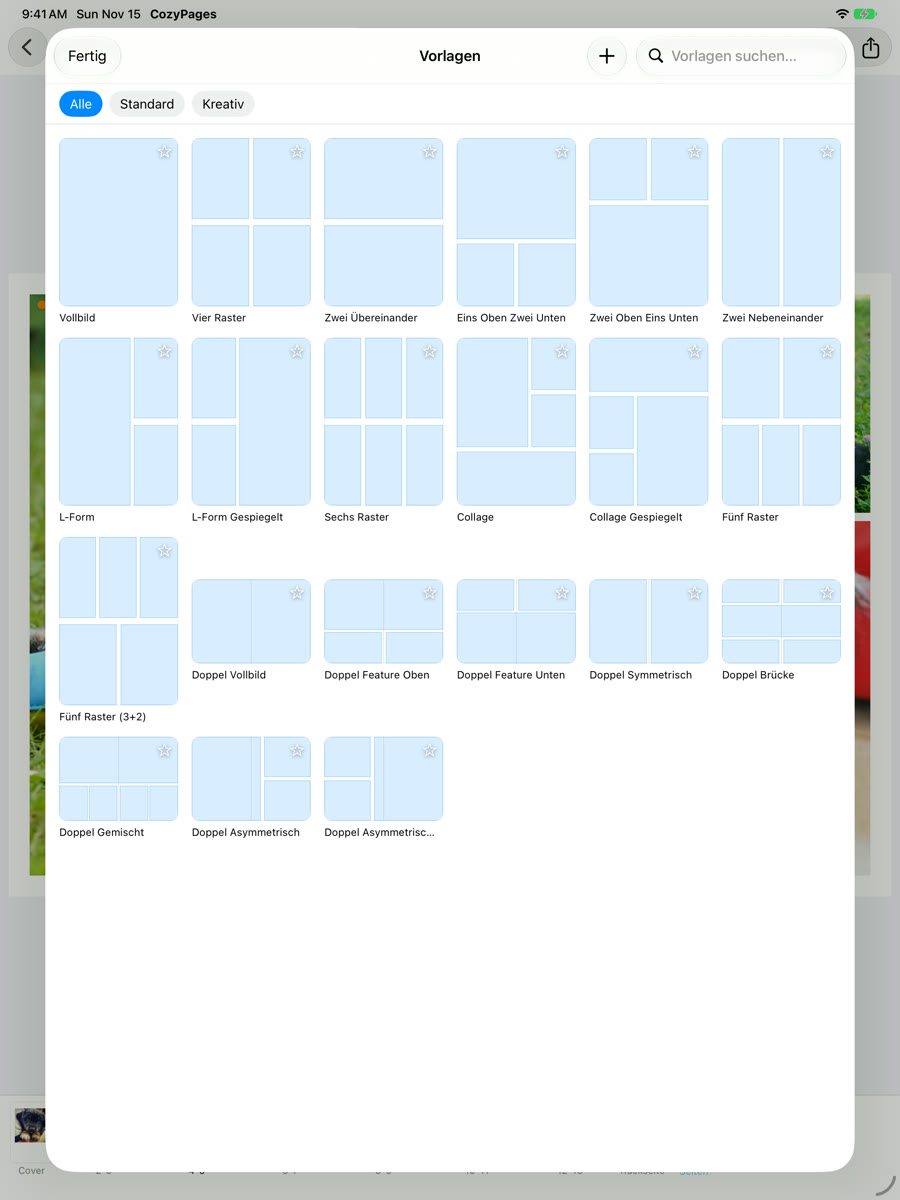
Make it yours
Tap another template, adjust the crop with two fingers, add a title.
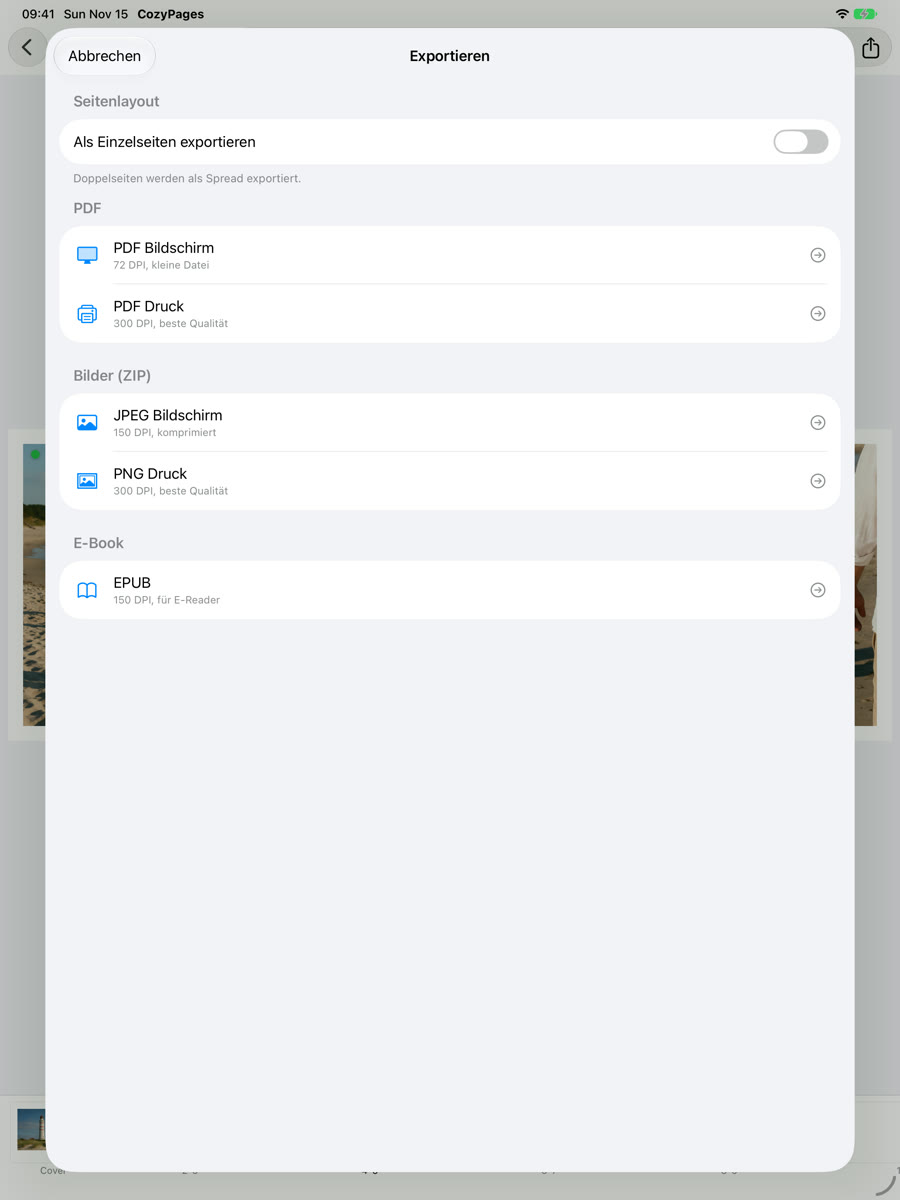
Get it printed
Export as PDF or single pages and order from your favourite service.
Evenings on the sofa. Mornings at the desk.
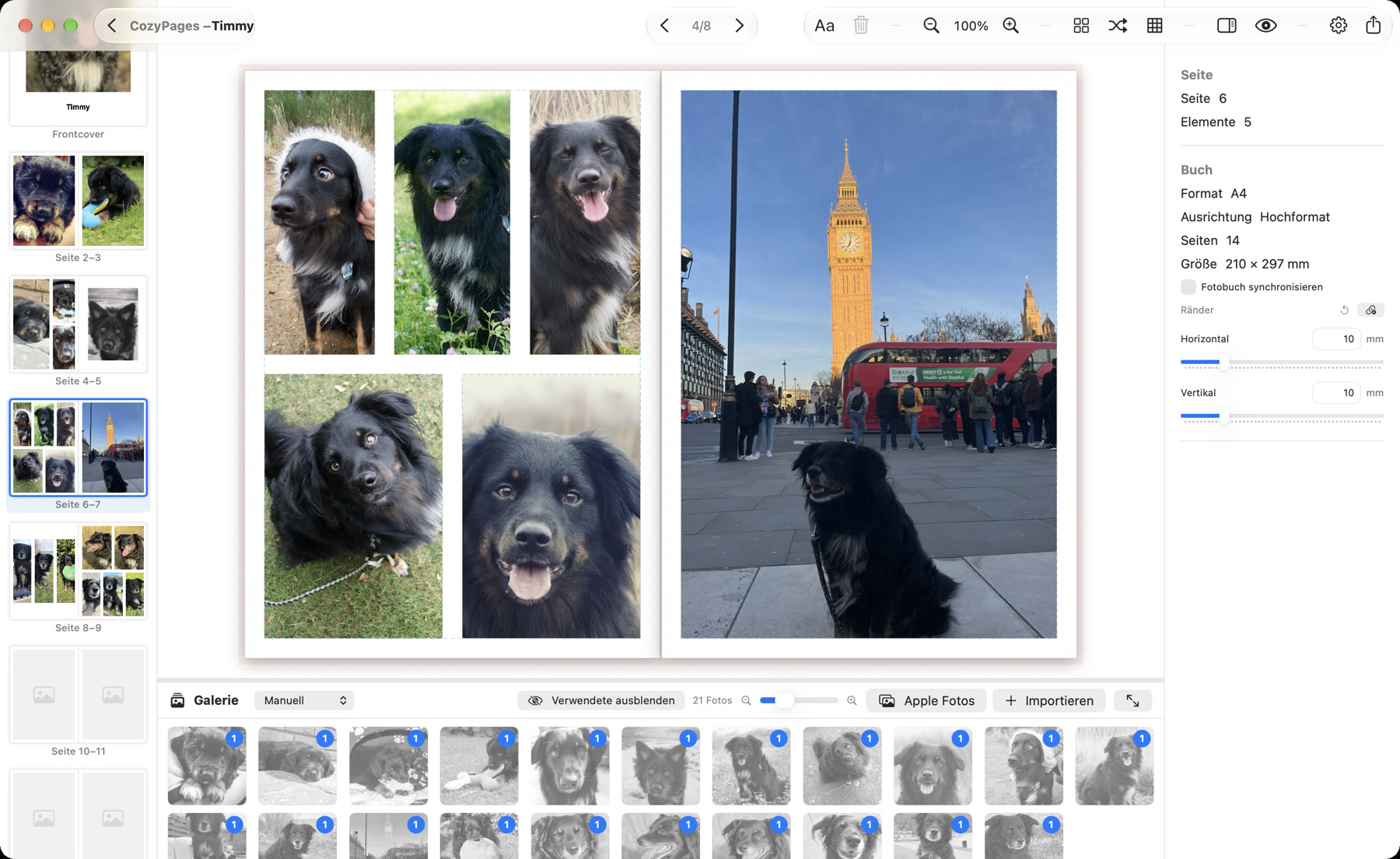
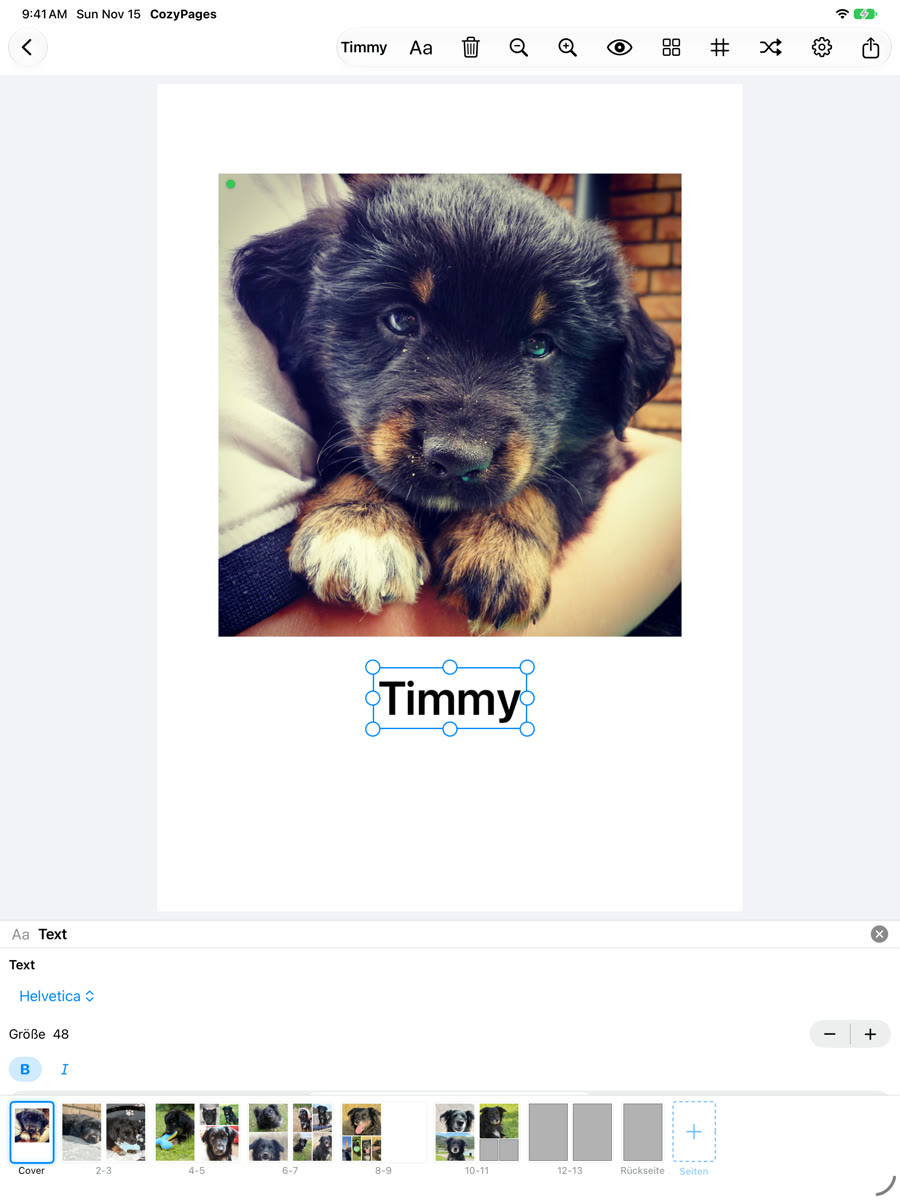
Both apps work together. What you start on the iPad is waiting for you on the Mac the next day.
- ☁️Through your own iCloudNo vendor cloud, no account with us. We never see your photos.
- 🖐️iPad: simply with your fingersDrag and zoom the crop, drop a photo onto another frame to swap.
- 🖥️Mac: big screen, full controlGuides, custom templates, keyboard shortcuts and print check.
Everything for a beautiful book. Nothing annoying.
Around 50 templates
From full-bleed to collage, even across a whole spread. Save your own templates with one click.
Recognises people and pets
Crops follow the subject. Heads stay in the frame.
Your best photos, big
CozyPages finds your best photos and gives them a full page.
Text that grows with you
Frames grow as you type, a shadow or background keeps text readable on photos.
Print check
Warns about text near the edge or a face in the gutter. PDF with bleed for printers.
Export your way
PDF for screen and print, JPEG or PNG at 300 dpi, EPUB as an e-book.
Private and offline
Everything runs on your device. No uploads, no accounts, no ads.
Your book. Your printer.
Vendor apps tie you to a single printer. CozyPages doesn't: design in peace first, then compare price, paper and delivery time.
Upload a PDF
Many services accept the finished PDF directly. Export, upload, order.
Pages as images
Export every page as a JPG and use it as a page background at your service. Works almost everywhere.
 2014
 today
Built because I missed it myself.
Timmy has been with us for twelve years. We've collected thousands of photos of him. Hardly any made it into an album, because designing photo books always felt like work rather than joy.
So I built CozyPages: calm, fast, and made so you relive the best moments while you design. I develop the app on my own, in my spare time, without ads or subscriptions.
Frank & Timmy 🐾
If you like CozyPages, a rating helps me a lot: Rate on Mac · Rate on iPad · Or write to me
FAQ
Is CozyPages really free?
Yes. For Mac and iPad, with no ads, no subscription and no hidden costs. You only pay for printing with the service you choose.
Which services can I print with?
Practically all of them. Many accept a PDF directly, such as Blurb or CEWE. For the others, upload your pages as JPGs.
Do Mac and iPad work together?
Yes. When you're signed in to iCloud, your books stay in sync on both devices. The data lives in your own iCloud; we have no access.
What happens to my photos?
Nothing you don't want. CozyPages works on your device, uploads nothing to us and needs no account.
Which book formats are there?
A3, A4, A5 and square, each portrait or landscape. Margins are set in millimetres.
What do I need?
A Mac with macOS 14 or later, an iPad with iPadOS 17 or later.
Ready for your next photo book?
Download for free and start tonight. No ads, no subscription, no account.
Mac: macOS 14+ · iPad: iPadOS 17+